


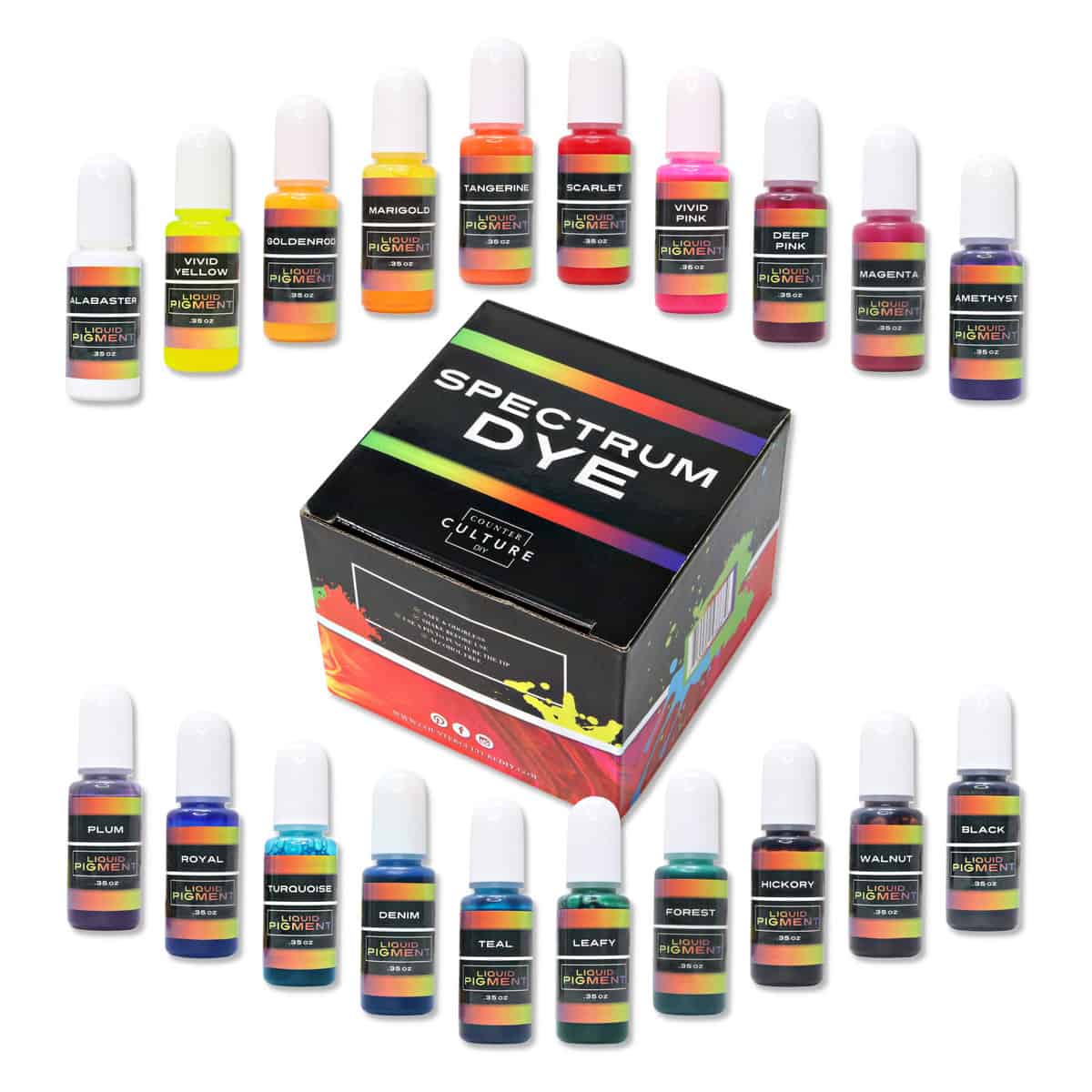
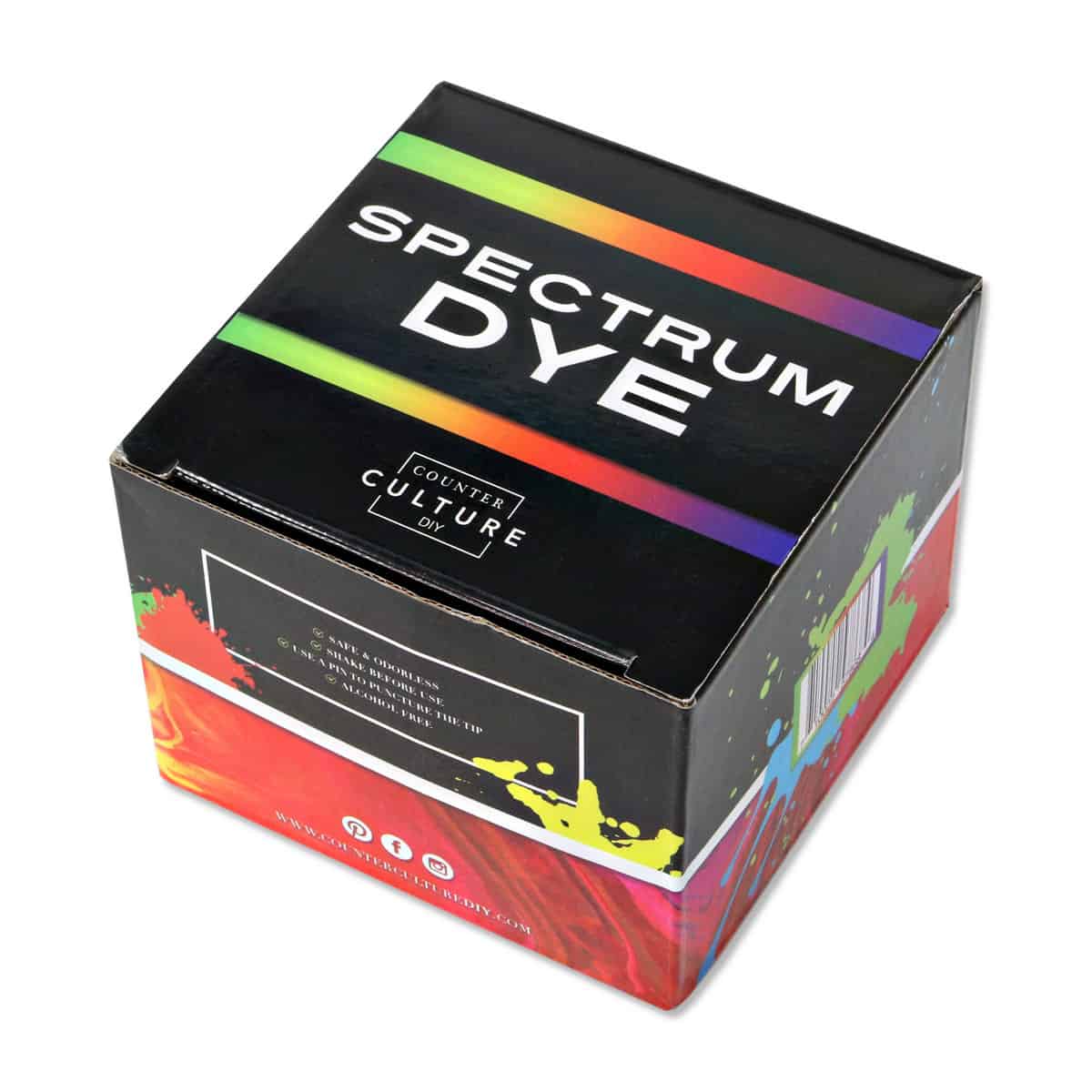


Spectrum Resin Dye Set - 20 Colors for UV Resin & Epoxy
Spectrum Resin Dye Set - 20 Colors for UV Resin & Epoxy is backordered and will ship as soon as it is back in stock.
Couldn't load pickup availability
Delivery and Shipping
Delivery and Shipping
Orders typically ship out within 1-2 business days
Exchanges & Returns
Exchanges & Returns
Free exchanges for defective or damaged products.
We offer a 30-day return policy on new and unused products.
Spectrum Resin Dye Set - 20 Colors for UV Resin & Epoxy
Description
Description
Color UV resin and two-part epoxy one drop at a time with a 20-color set of alcohol-free Spectrum Resin Dye. These concentrated liquid dyes add more color body than many transparent alcohol inks while remaining less opaque than Dispersion Colors. That middle range makes it easier to preserve light, depth, and layered detail while adjusting tone.
Use individual shades or blend small amounts to build a custom palette. Each bottle contains 0.35 fl oz (about 10 mL) of dye.
Spectrum Resin Dye Set Details
| Set size | 20 liquid resin-dye colors |
|---|---|
| Bottle size | 0.35 fl oz (about 10 mL) each |
| Formula | Alcohol-free concentrated liquid dye |
| Compatible materials | Counter Culture DIY UV Resin and properly mixed two-part epoxy |
| Color character | More color body than many transparent inks and less opacity than Dispersion Colors |
| Application | Add gradually, beginning with one drop |
Recommended Uses
- UV resin jewelry, charms, keychains, doming, and small transparent molds
- Two-part epoxy artwork, coatings, tumblers, and mold projects
- Layered designs that need visible depth or controlled transparency
- Color correction and custom shade mixing
- Small test batches before coloring a larger resin mixture
How to Color Resin with Spectrum Dye
- Prepare the resin according to its instructions. For two-part epoxy, completely measure and mix the resin and hardener before adjusting color unless that formula directs otherwise.
- Add one drop of Spectrum Dye and mix thoroughly.
- Evaluate the color, then add another drop only when a stronger tone is needed.
- Record the number of drops and resin amount when repeatable color is important.
- Pour or apply the colored resin using the formula's recommended depth and curing directions.
Choosing the Right Resin
Pair Spectrum Dye with Clear UV Resin for jewelry and small crafts or Original Artist Resin for art and coatings. When curing colored UV resin, use thin, light-accessible layers and a suitable lamp such as the 48W Foldable UV Lamp.
Using Spectrum Dye with UV Resin
Color reduces the amount of UV light that can pass through resin. For lightly colored UV resin, use layers around 1-2 mm (about 0.04-0.08 inch). For dark color, use layers around 1 mm (about 0.04 inch) or thinner. Heavy color loads may require additional lamp cycles.
Is Spectrum Dye the same as alcohol ink?
No. Spectrum Dye is alcohol-free and made as a resin colorant. Its visual opacity falls between many transparent alcohol inks and more opaque Dispersion Colors.
How much Spectrum Dye should I add?
Begin with one drop and mix completely before adding more. The ideal amount depends on resin volume, desired color, layer depth, and curing method.
Can color affect UV-resin curing?
Yes. Any colorant can reduce light transmission. Darker shades and heavier color loads generally need thinner layers or additional curing time.
Safety and Storage
Wear gloves and protect work surfaces when handling colorant and uncured resin. Avoid skin and eye contact. Keep bottles tightly closed and store upright away from heat and direct sunlight. Follow the safety instructions for both the dye and the resin being colored.
Payment & Security
Payment methods
Your payment information is processed securely. We do not store credit card details nor have access to your credit card information.